
219 lines
9.5 KiB
Markdown
219 lines
9.5 KiB
Markdown
---
|
||
source_url: https://github.com/graykode/abtop
|
||
ingested: 2026-06-30
|
||
sha256: e763af7f4da82cbb1273108e130ed3b21660e3ebc407fdc2ec4b570cb7c3d432
|
||
discovered_from:
|
||
platform: discord
|
||
channel_id: '1477793137064935675'
|
||
channel_name: tw
|
||
message_id: '1521385175827877898'
|
||
author_id: '1477793167486226708'
|
||
posted_at: 2026-06-30T05:21:31.887000000Z
|
||
message_excerpt: >-
|
||
abtop AI coding agent monitor highlighted for Claude Code, Codex CLI, and OpenCode operations.
|
||
---
|
||
|
||
# abtop
|
||
|
||
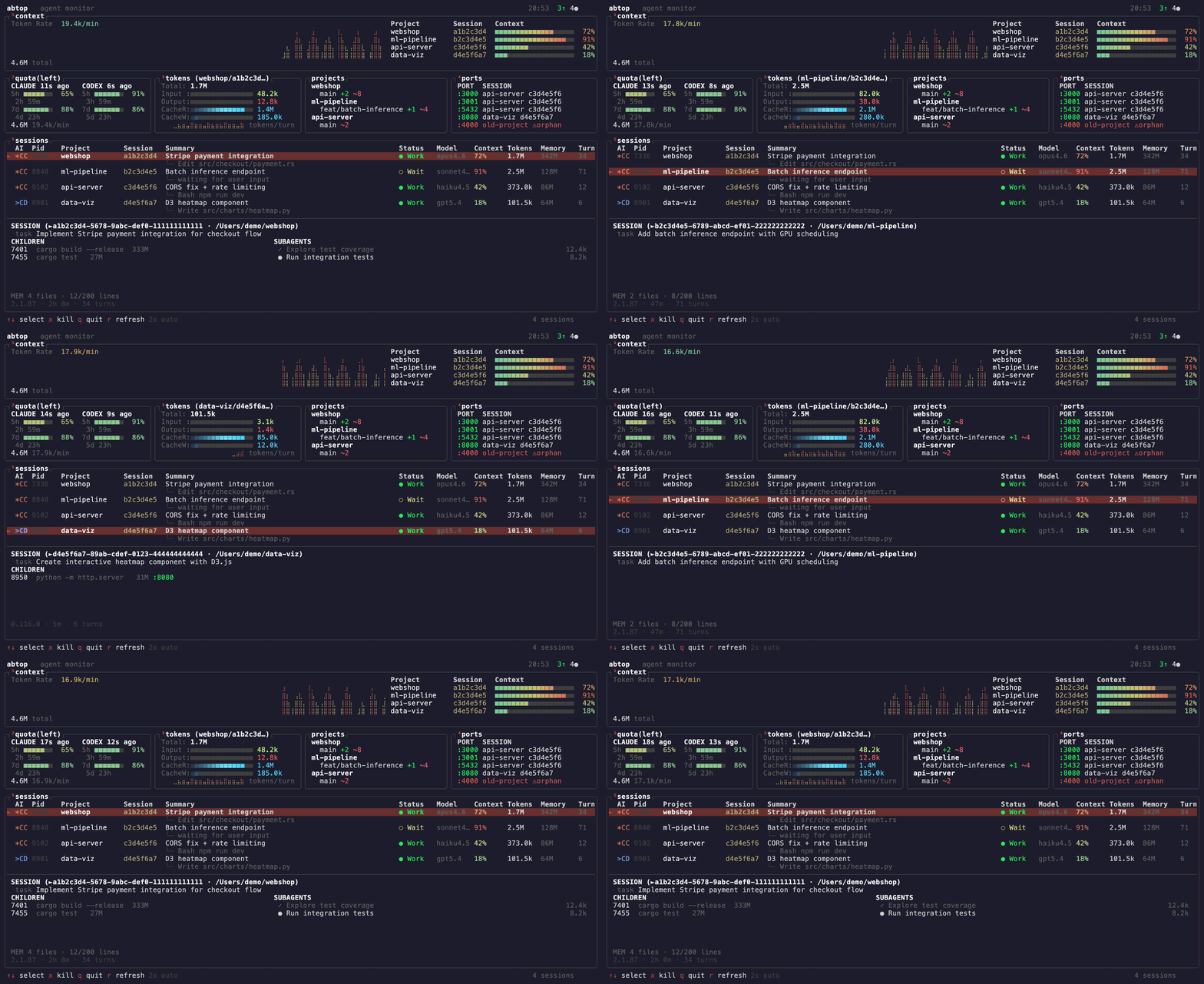
**Like [btop](https://github.com/aristocratos/btop), but for your AI coding agents.**
|
||
|
||
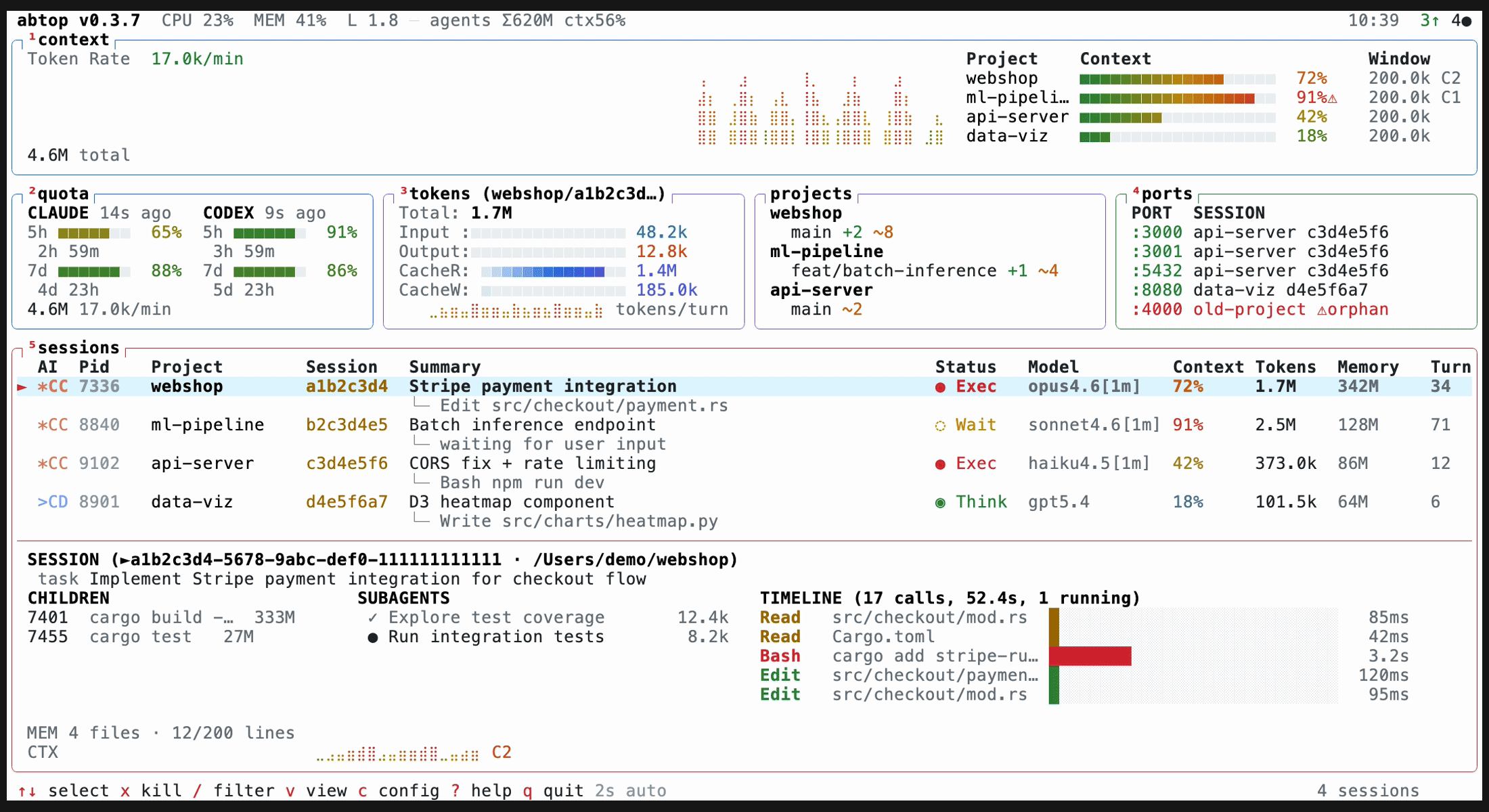
See every Claude Code, Codex CLI, and OpenCode session at a glance — token usage, context window %, rate limits, child processes, open ports, and more.
|
||
Claude Code, Codex CLI, and OpenCode sessions are discovered from local process/file state, so multiple active profiles are supported across macOS, Linux, and Windows.
|
||
|
||
|
||
|
||
## Why
|
||
|
||
- Running 3+ agents across projects? See them all in one screen.
|
||
- Hitting rate limits? Watch your quota in real-time.
|
||
- Agent spawned a server and forgot to kill it? Orphan port detection.
|
||
- Context window filling up? Per-session % bars with warnings.
|
||
|
||
All read-only. No API keys. No auth.
|
||
|
||
## Install
|
||
|
||
### macOS / Linux
|
||
|
||
> [!IMPORTANT]
|
||
> On Linux, ensure `sqlite3` is installed to enable monitoring for OpenCode sessions.
|
||
|
||
```bash
|
||
curl --proto '=https' --tlsv1.2 -LsSf https://github.com/graykode/abtop/releases/latest/download/abtop-installer.sh | sh
|
||
```
|
||
|
||
### Cargo
|
||
|
||
```bash
|
||
cargo install abtop
|
||
```
|
||
|
||
### Windows
|
||
|
||
Native support — no WSL required. Uses `sysinfo` for process info and host CPU/MEM metrics, and `netstat -ano` for listening ports. Windows has no load average, so LOAD is reported as 0. OpenCode session discovery additionally requires the `sqlite3` CLI (`winget install SQLite.SQLite`); without it abtop prints a one-time warning to stderr.
|
||
|
||
```powershell
|
||
powershell -c "irm https://github.com/graykode/abtop/releases/latest/download/abtop-installer.ps1 | iex"
|
||
```
|
||
|
||
Or `cargo install abtop` from any terminal with Git in PATH. Claude Code config is resolved automatically from `%USERPROFILE%\.claude`.
|
||
|
||
### Other
|
||
|
||
Pre-built binaries for all platforms are available on the [GitHub Releases](https://github.com/graykode/abtop/releases) page.
|
||
|
||
## Usage
|
||
|
||
```bash
|
||
abtop # Launch TUI
|
||
abtop --once # Print snapshot and exit
|
||
abtop --json # Print one JSON snapshot and exit (for scripts/tools)
|
||
abtop --setup # Install rate limit collection hook
|
||
abtop --theme dracula # Launch with a specific theme
|
||
```
|
||
|
||
Recommended terminal size: **120x40** or larger. Minimum 80x24 — panels hide gracefully when small.
|
||
|
||
### Terminal Jump
|
||
|
||
Press `Enter` to focus the terminal running the selected agent. abtop supports cmux, tmux, and iTerm2 on macOS.
|
||
|
||
```bash
|
||
tmux new -s work
|
||
# pane 0: abtop
|
||
# pane 1: claude (project A)
|
||
# pane 2: claude (project B)
|
||
# → Enter on a session in abtop jumps to its pane
|
||
```
|
||
|
||
## Supported Agents
|
||
|
||
| Feature | Claude Code | Codex CLI | OpenCode |
|
||
| ----------------- | :---------: | :-------: | :------: |
|
||
| Session Discovery | ✅ | ✅ | ✅ |
|
||
| Token Tracking | ✅ | ✅ | ✅ |
|
||
| Context Window % | ✅ | ✅ | ❌ |
|
||
| Status Detection | ✅ | ✅ | ✅ |
|
||
| Current Task | ✅ | ✅ | ❌ |
|
||
| Rate Limit | ✅ | ✅ | ❌ |
|
||
| Git Status | ✅ | ✅ | ✅ |
|
||
| Children / Ports | ✅ | ✅ | ✅ |
|
||
| Subagents | ✅ | ❌ | ❌ |
|
||
| Memory Status | ✅ | ❌ | ❌ |
|
||
|
||
OpenCode support reads the local SQLite database at `~/.local/share/opencode/opencode.db` (also the default location on Windows; `%LOCALAPPDATA%\opencode` and `%APPDATA%\opencode` are probed as fallbacks) and requires `sqlite3` in `PATH` (on Windows: `winget install SQLite.SQLite`).
|
||
|
||
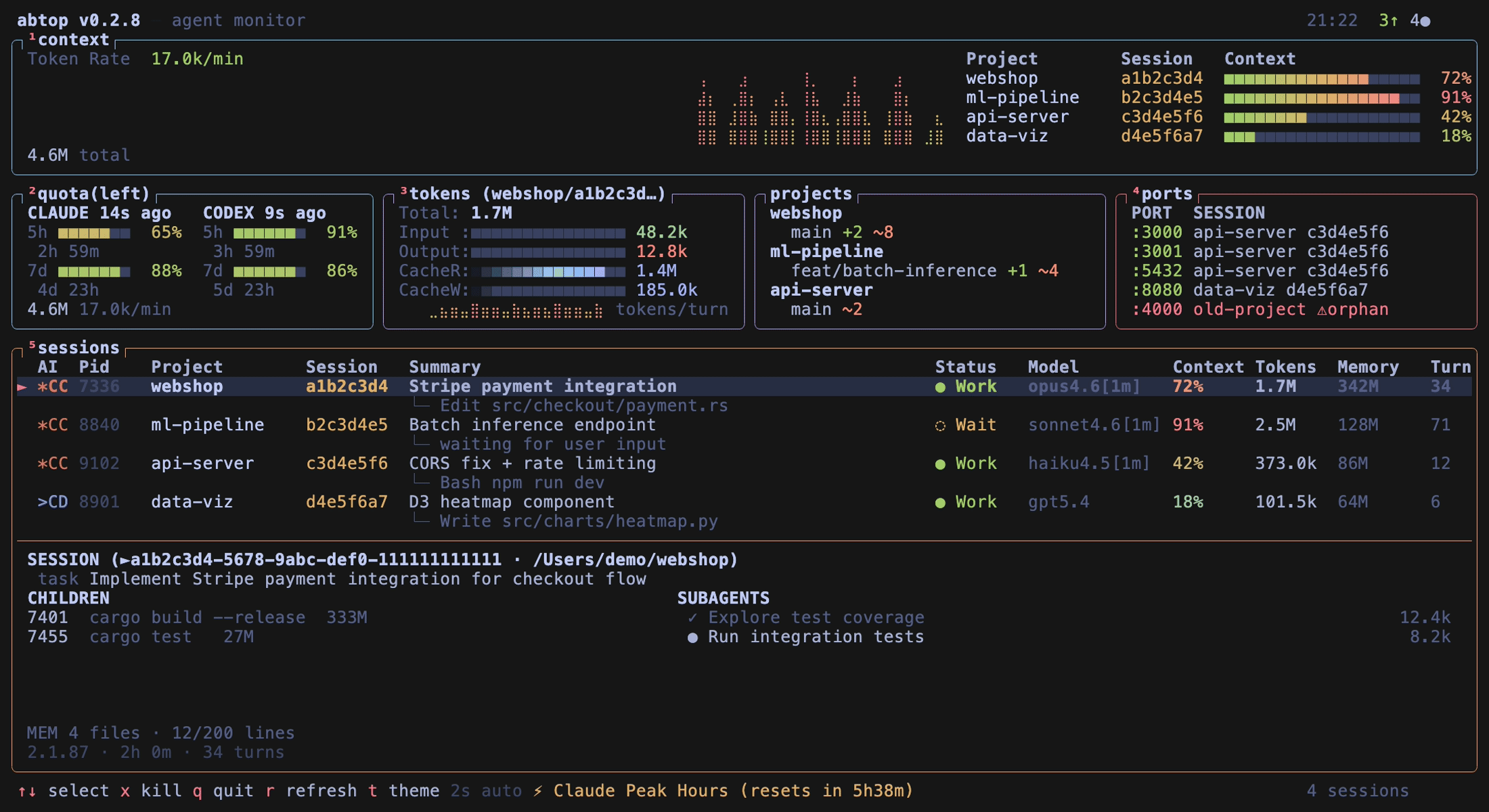
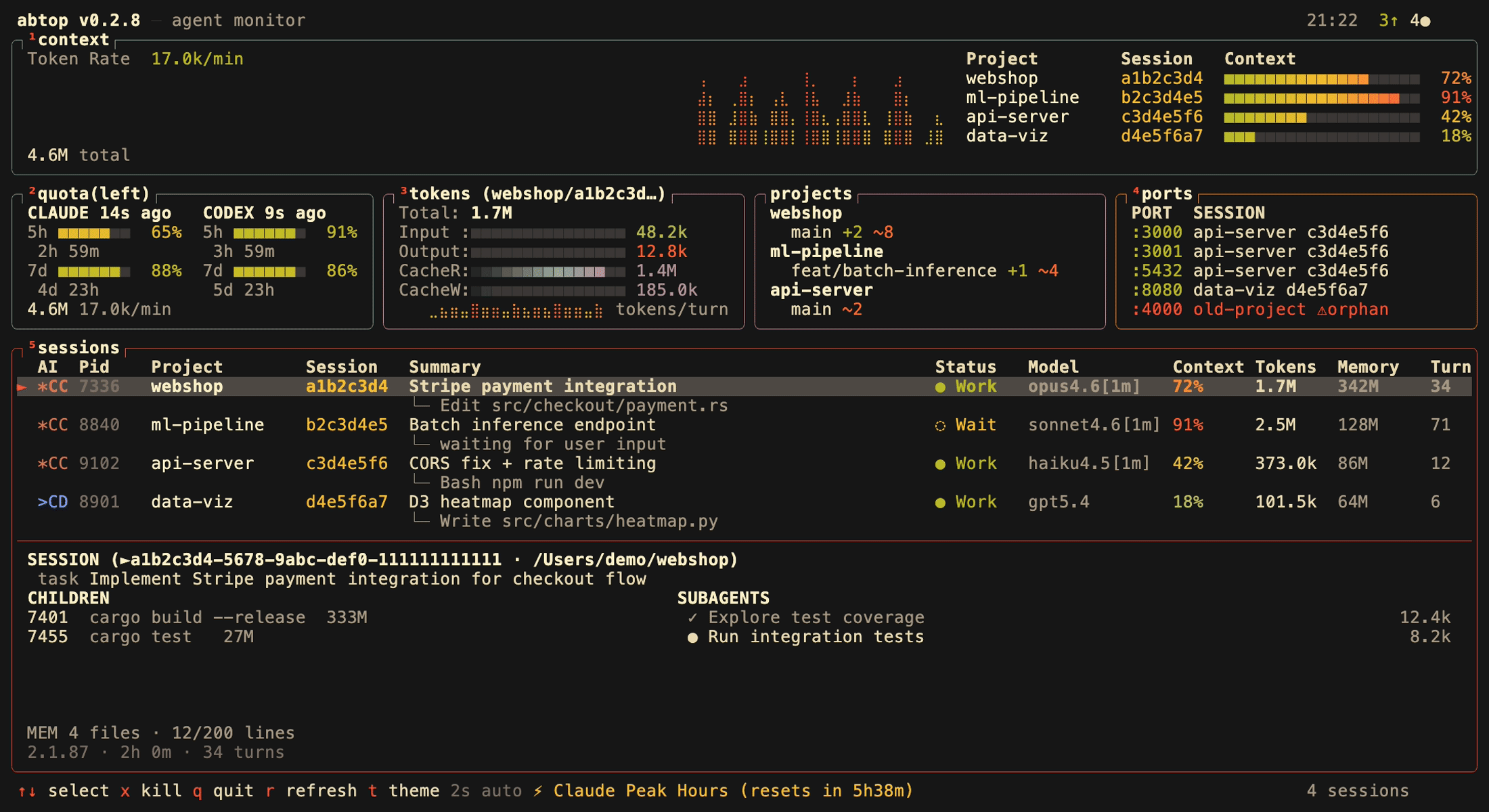
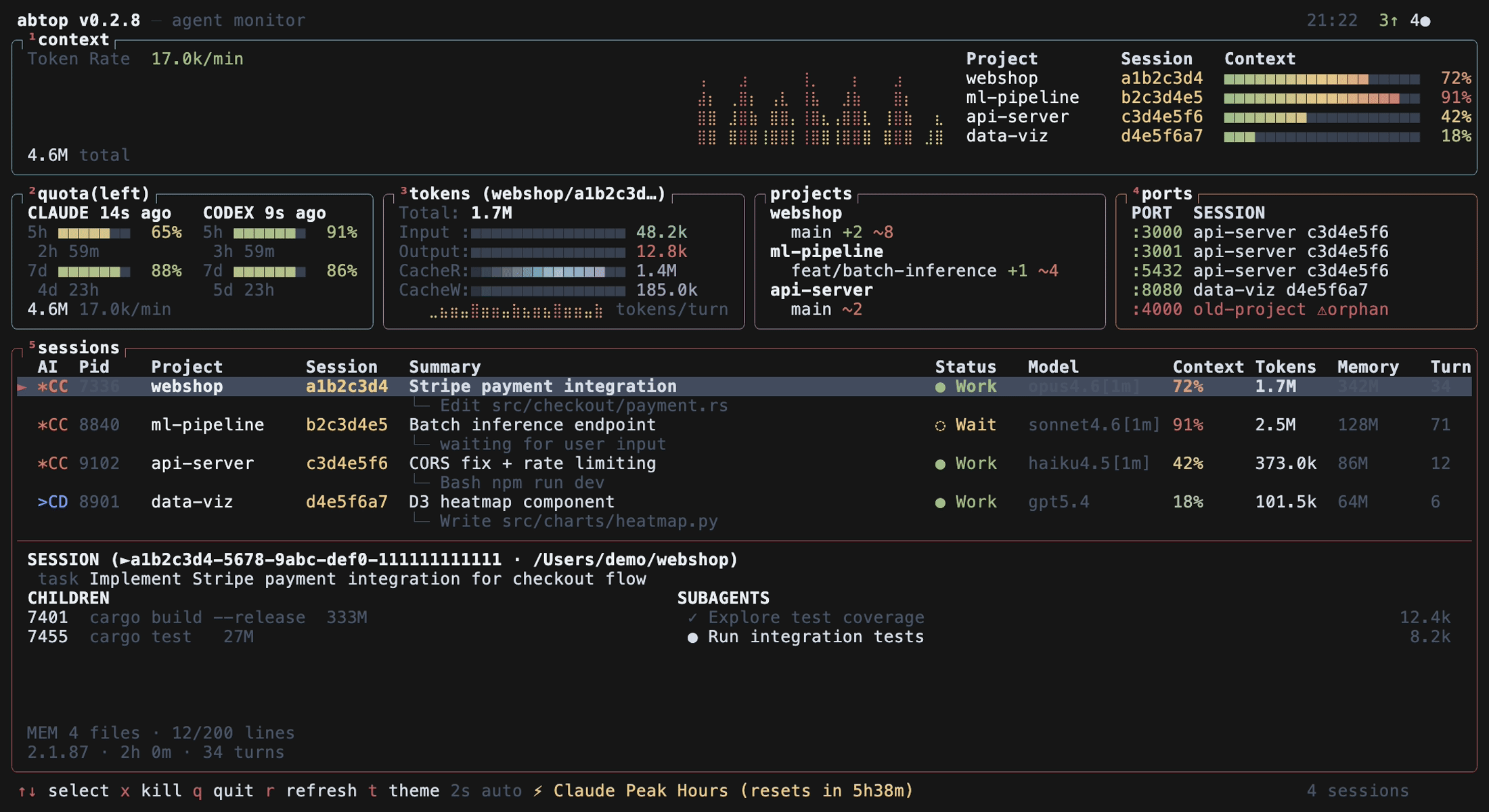
## Themes
|
||
|
||
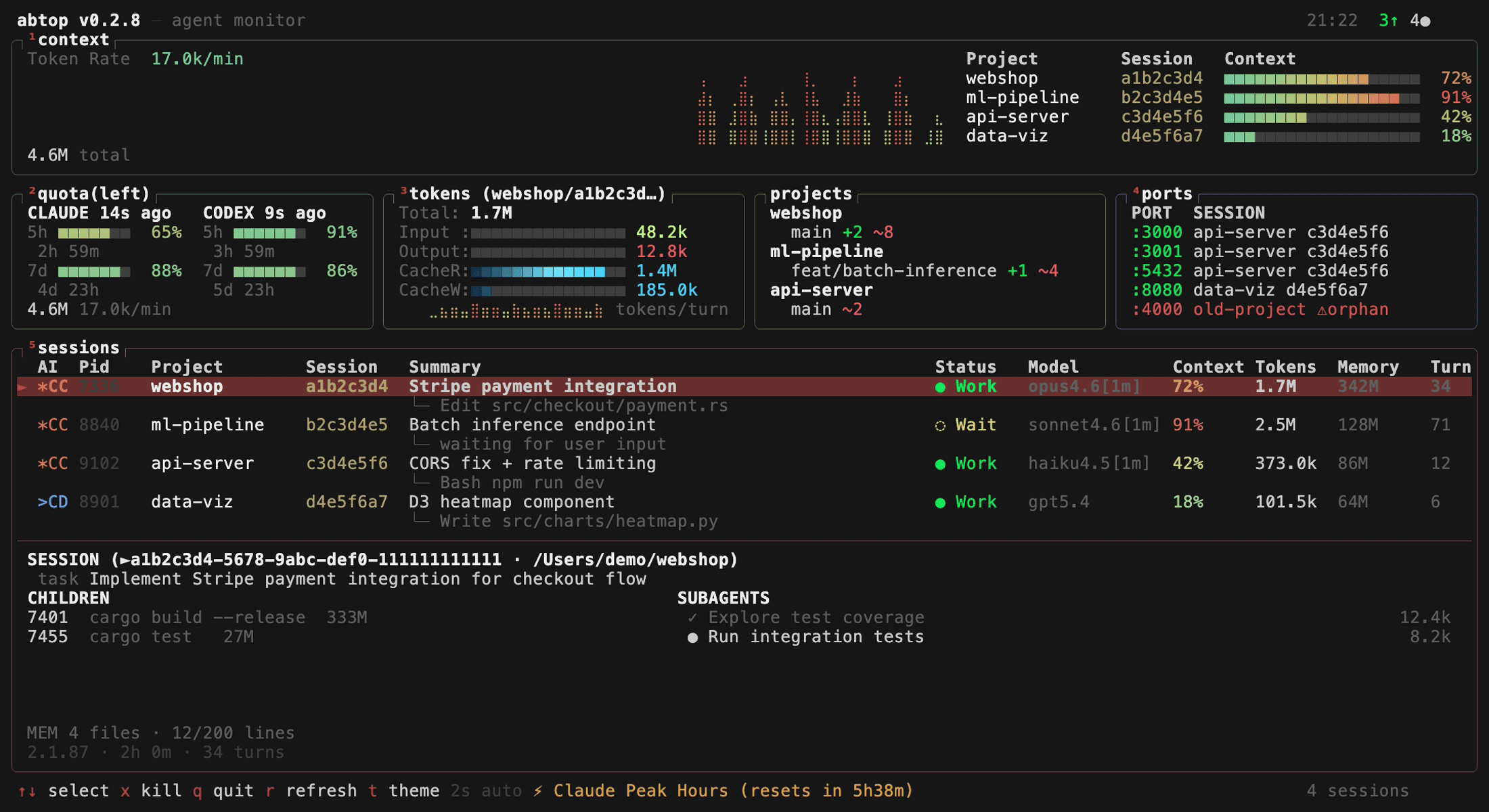
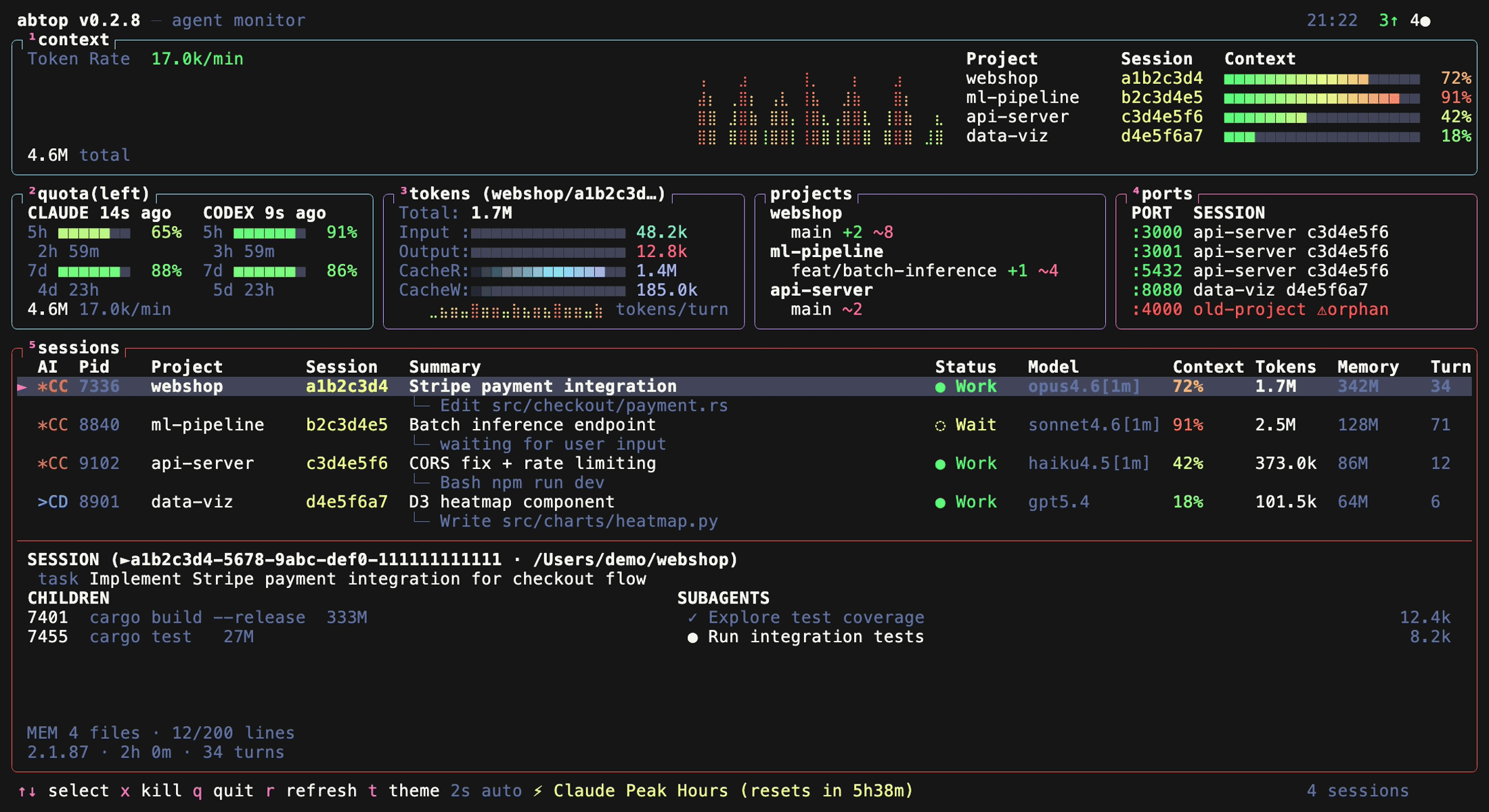
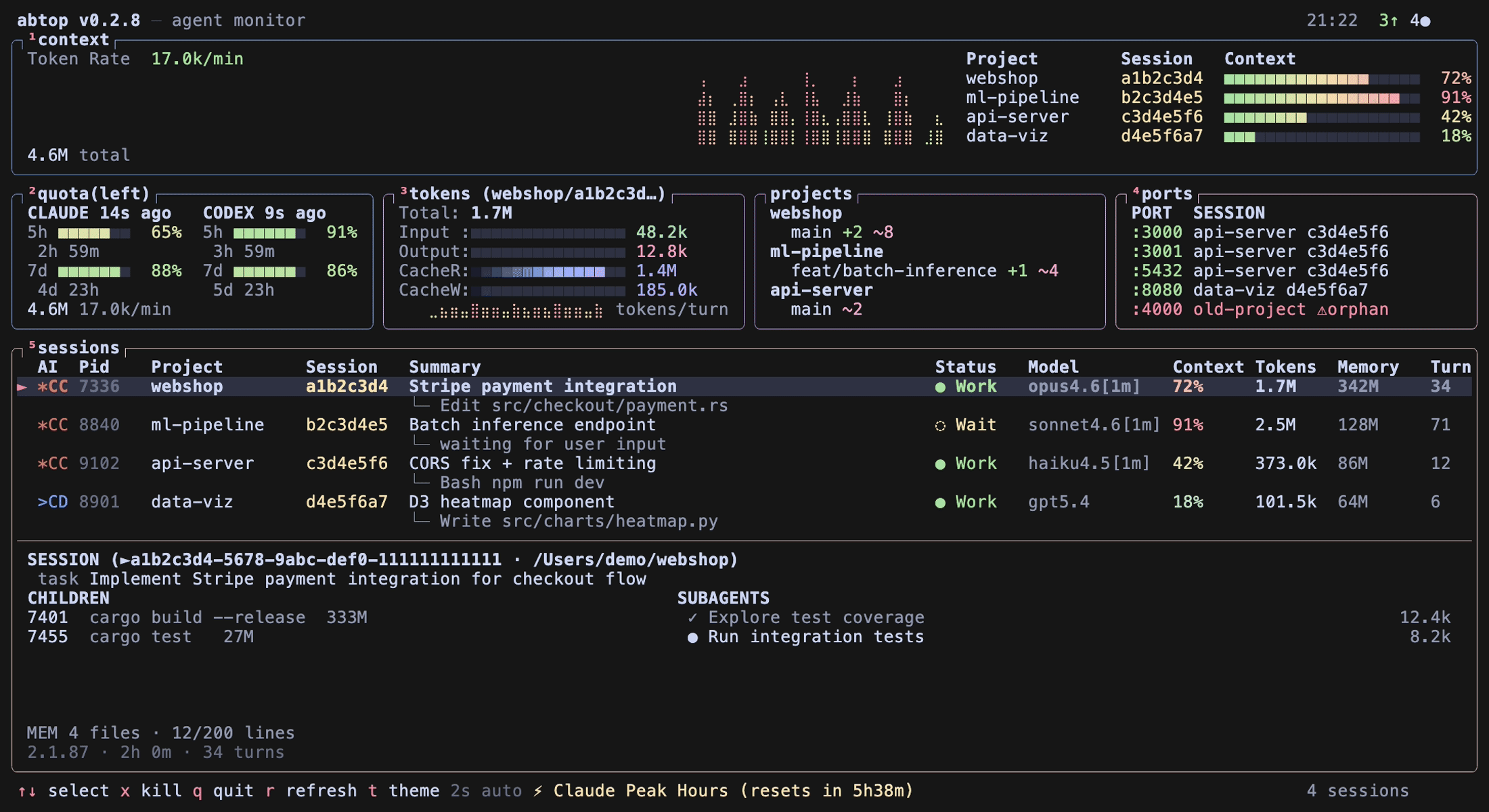
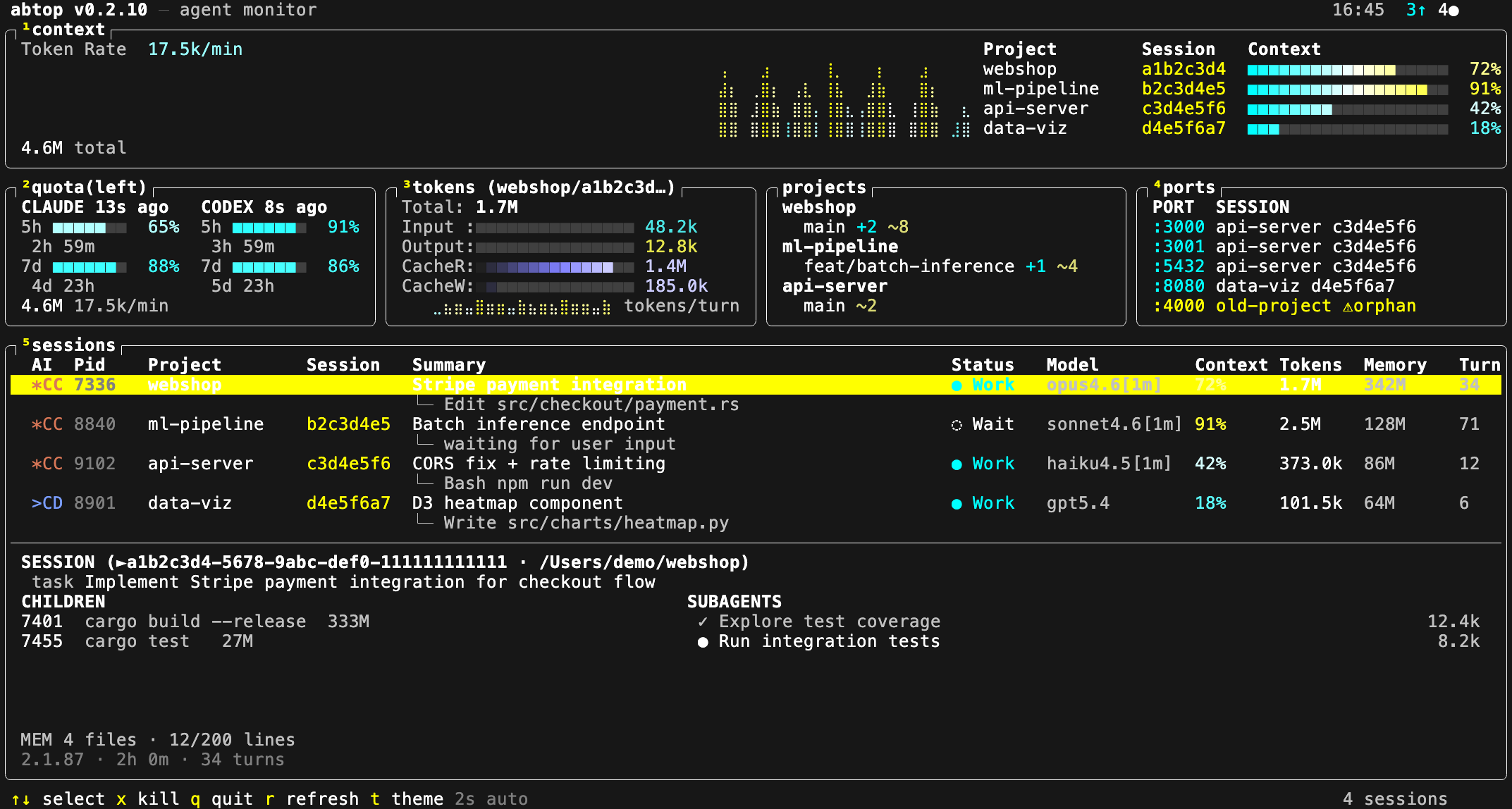
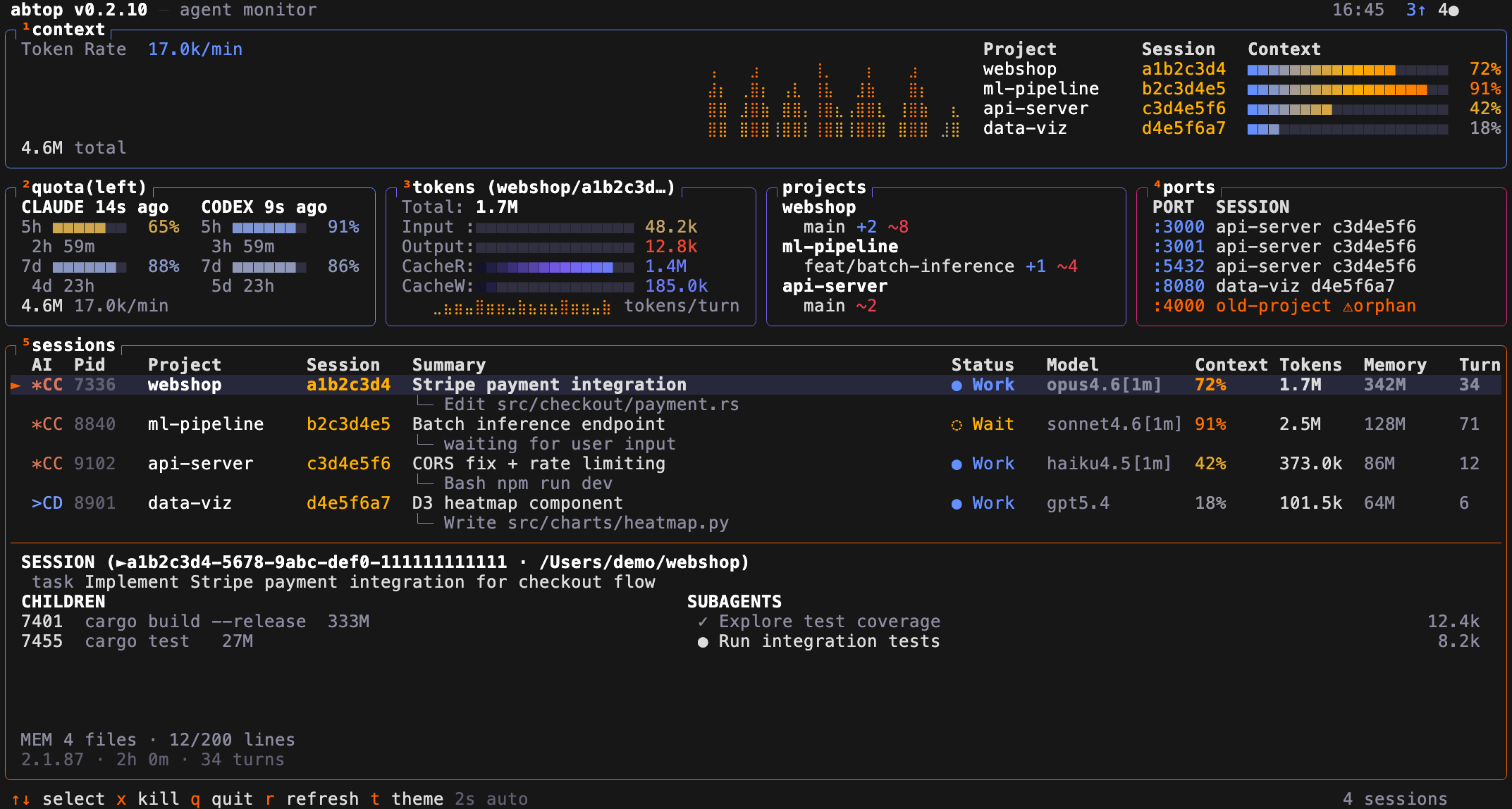
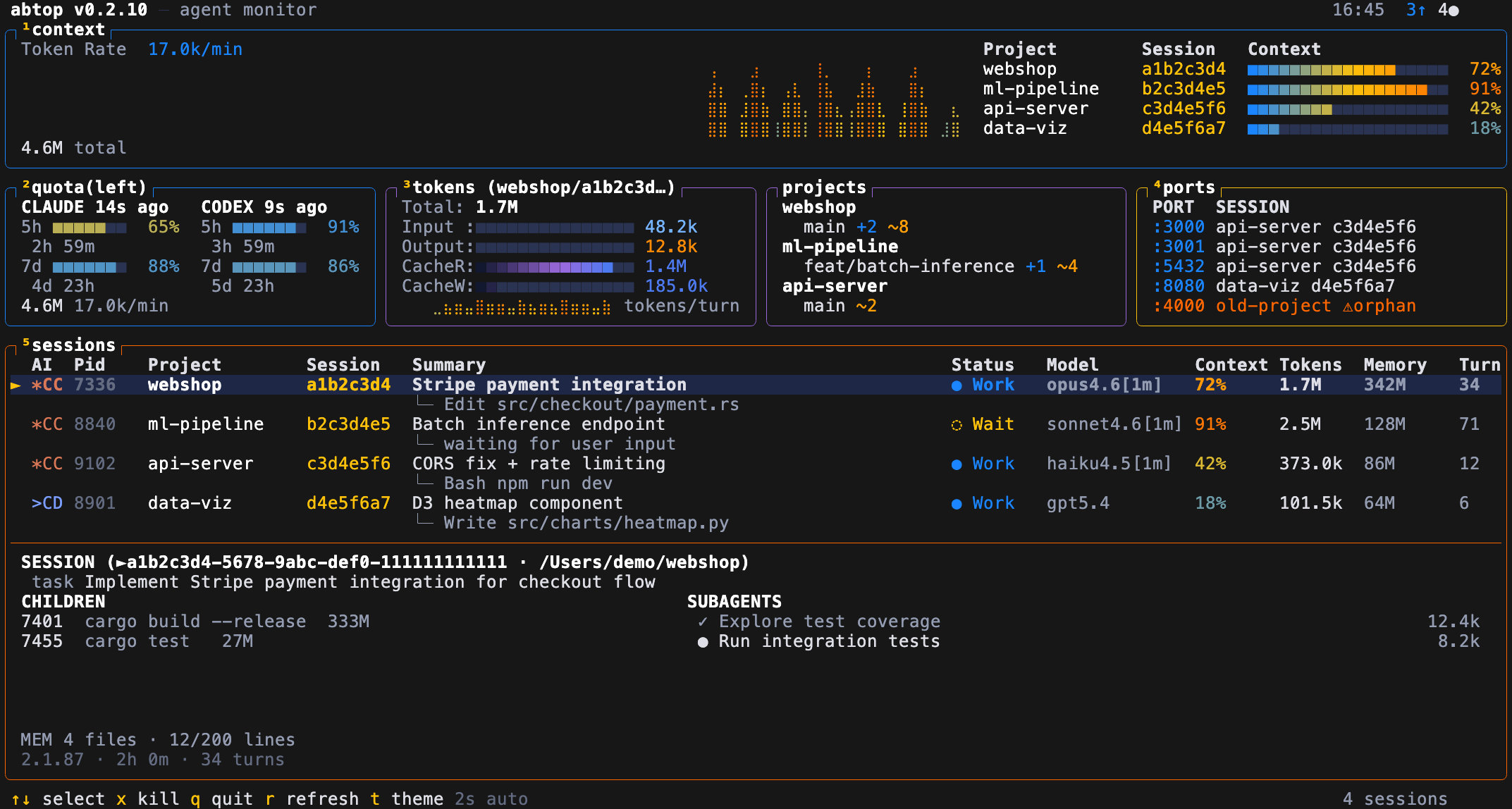
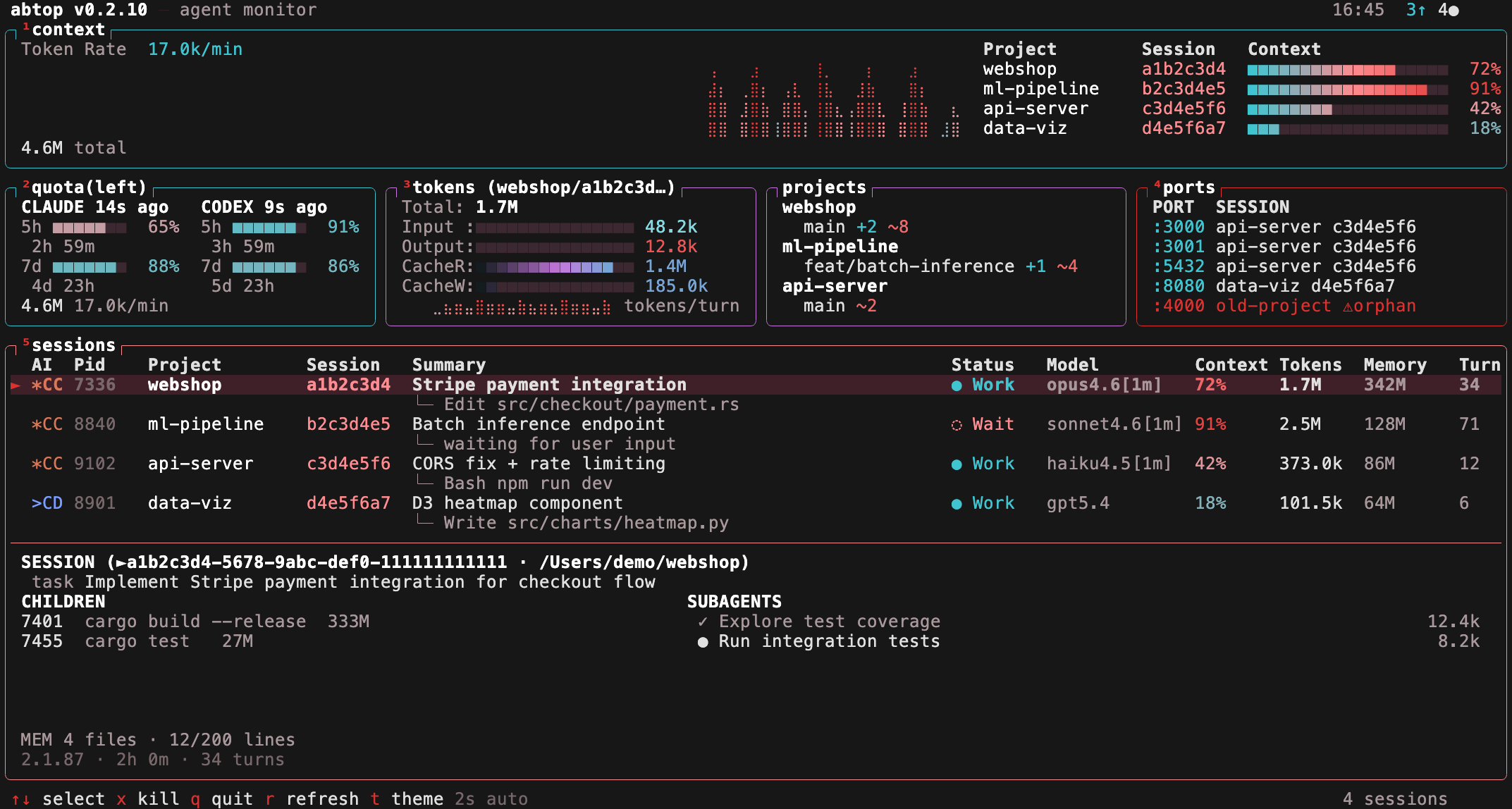
12 built-in themes, including 4 colorblind-friendly options (`high-contrast`, `protanopia`, `deuteranopia`, `tritanopia`). Press `t` to cycle at runtime, or launch with `--theme <name>`. Your choice is saved to `~/.config/abtop/config.toml`.
|
||
|
||
| btop (default) | dracula | catppuccin |
|
||
|:-:|:-:|:-:|
|
||
|  |  |  |
|
||
|
||
| tokyo-night | gruvbox | nord |
|
||
|:-:|:-:|:-:|
|
||
|  |  |  |
|
||
|
||
Colorblind-friendly themes:
|
||
|
||
| high-contrast | protanopia |
|
||
|:-:|:-:|
|
||
|  |  |
|
||
|
||
| deuteranopia | tritanopia |
|
||
|:-:|:-:|
|
||
|  |  |
|
||
|
||
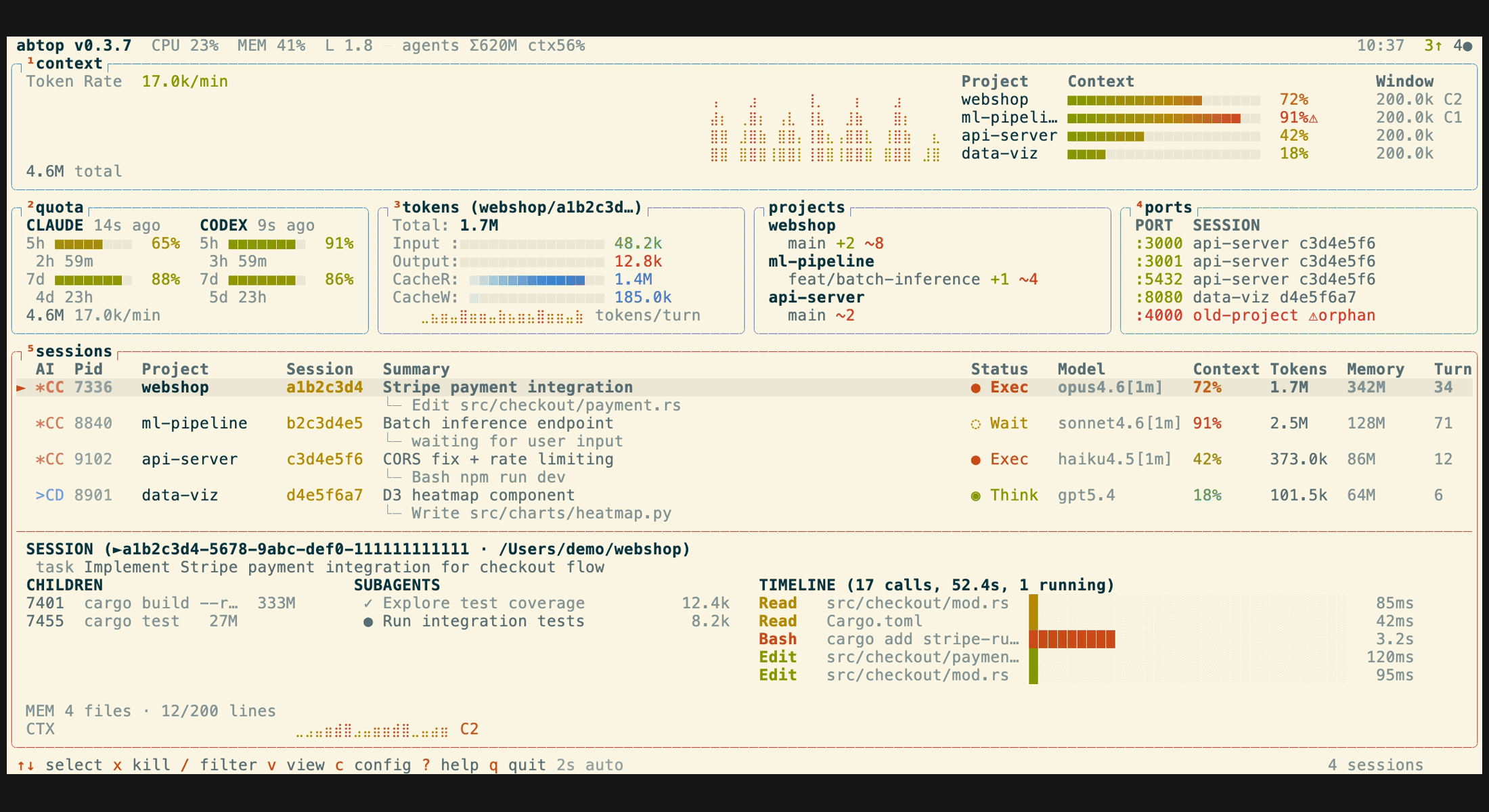
Light themes (`light` — Solarized cream, `white` — GitHub-style pure white) for bright terminals:
|
||
|
||
| light | white |
|
||
|:-:|:-:|
|
||
|  |  |
|
||
|
||
## Configuration
|
||
|
||
`~/.config/abtop/config.toml` supports:
|
||
|
||
```toml
|
||
theme = "btop"
|
||
# Hide specific agent CLIs from the TUI (case-insensitive).
|
||
# Useful if you only use one agent and want a cleaner view.
|
||
hidden_agents = ["codex"]
|
||
# Additional Claude Code profile roots to scan.
|
||
# abtop also auto-discovers ~/.claude and ~/.claude-* roots that contain
|
||
# both sessions/ and projects/.
|
||
claude_config_dirs = ["~/.claude-personal", "~/.claude-work-team"]
|
||
# UI language. Omit or leave empty to auto-detect from LANG.
|
||
language = "zh"
|
||
```
|
||
|
||
### Supported Languages
|
||
|
||
| Code | Language |
|
||
| ---- | ------------------- |
|
||
| `en` | English (default) |
|
||
| `zh` | Simplified Chinese |
|
||
|
||
When `language` is unset, abtop auto-detects from `LANG` — any value starting with `zh` switches to Simplified Chinese, otherwise English.
|
||
|
||
## Key Bindings
|
||
|
||
| Key | Action |
|
||
| ------------------ | ------------------------------------ |
|
||
| `↑`/`↓` or `k`/`j` | Select session |
|
||
| `Enter` | Jump to session terminal |
|
||
| `x` | Kill selected session |
|
||
| `X` | Kill all orphan ports |
|
||
| `t` | Cycle theme |
|
||
| `1`–`5` | Toggle panel visibility |
|
||
| `Esc` | Open/close config page |
|
||
| `q` | Quit |
|
||
| `r` | Force refresh |
|
||
|
||
## Library / JSON snapshot
|
||
|
||
abtop is also a library crate, so local tools can reuse its data-collection
|
||
layer in-process — no re-scanning, no subprocesses — and serialize the same
|
||
state the TUI renders.
|
||
|
||
```bash
|
||
abtop --json # one-shot JSON snapshot for scripts
|
||
```
|
||
|
||
For long-running consumers, build an `App`, refresh it with
|
||
`App::tick_no_summaries()` (which never spawns `claude --print`, so it doesn't
|
||
touch your Claude quota), and call `App::to_snapshot(interval_ms)` to get a
|
||
JSON-serializable [`Snapshot`]:
|
||
|
||
```rust,no_run
|
||
use abtop::app::App;
|
||
use abtop::{config, theme::Theme};
|
||
|
||
let cfg = config::load_config();
|
||
let mut app = App::new_with_config_and_claude_dirs(
|
||
Theme::default(), &cfg.hidden_agents, cfg.panels, &cfg.claude_config_dirs,
|
||
);
|
||
app.tick_no_summaries();
|
||
let json = serde_json::to_string(&app.to_snapshot(2_000)).unwrap();
|
||
```
|
||
|
||
`App` is not `Send` (it owns the collectors), so keep it on one thread and pass
|
||
the serialized JSON elsewhere. [abtop-web-ui](https://github.com/XKHoshizora/abtop-web-ui)
|
||
is a reference consumer: a local-first web dashboard built on exactly this API.
|
||
|
||
## Privacy
|
||
|
||
abtop reads local files and local process/open-file metadata only. No API keys, no auth. In the TUI and `--once` output, tool names and file paths are shown, but file contents and prompt text are never displayed. Session summaries are generated via `claude --print`, which makes its own API call — this is the only indirect network usage.
|
||
|
||
The JSON snapshot includes richer local dashboard data, including `summary`, `chat_messages`, working directories, config roots, tool-call previews, child process commands, token counts, and port metadata. Chat text is bounded and redacted by the collectors, but it is still derived from local transcripts and may contain sensitive project context. Treat JSON snapshots as local/private data and avoid writing them to shared logs or exposing them on a network without your own access controls.
|
||
|
||
## Acknowledgements
|
||
|
||
Huge thanks to [@tbouquet](https://github.com/tbouquet) for driving much of abtop's recent shape — themes, config overlay and panel toggles, session filtering, subagent tree view, the context window gauge with compaction detection, plus a steady stream of fixes and security hardening along the way.
|
||
|
||
## License
|
||
|
||
MIT
|
||
|